 ImagesPro
Nano Banana Pro
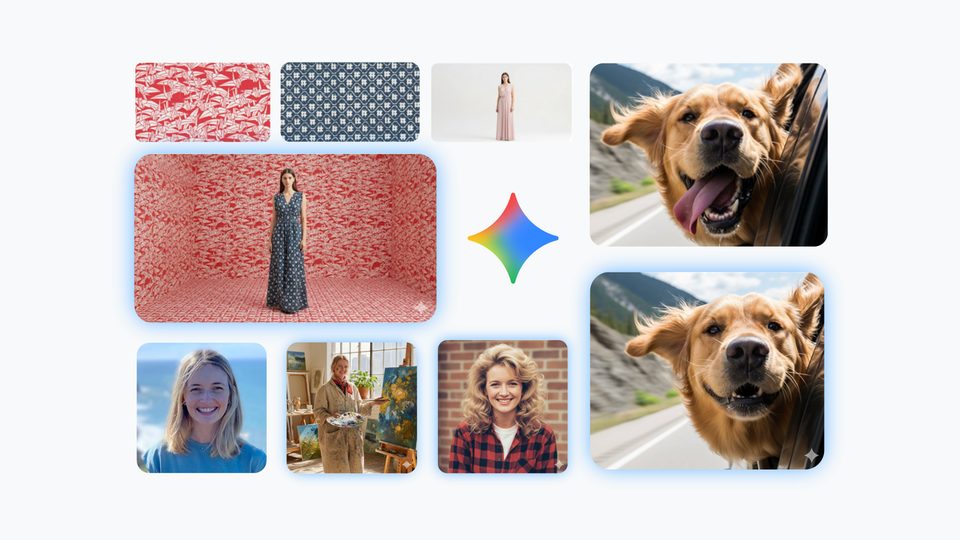
Google's most careful model: complex scenes, posters and infographics with maximum detail.
Good for: posters, infographics, complex and detailed scenes
How to get a better result
"Replace the background with a beach", "make it a watercolor".
The AI keeps everything else better: the face, the pose, the clothes.
Sharp, not blurry, so the person or object is clearly visible.
Pass this model in the request nano-banana-pro
1. Create a task POST /api/v1/jobs/createTask
curl -X POST https://mixmedia.tech/api/v1/jobs/createTask \
  -H "Authorization: Bearer YOUR_API_KEY" \
  -H "Content-Type: application/json" \
  -H "Idempotency-Key: order-123" \
  -d '{
  "model": "nano-banana-pro",
  "callBackUrl": "https://your-app.example/callback",
  "input": {
    "prompt": "Infographic: how the solar system works, with labels",
    "image_input": [],
    "aspect_ratio": "auto",
    "resolution": "1K",
    "output_format": "png"
  }
}'import time, requests
API = "https://mixmedia.tech/api/v1"
HEADERS = {"Authorization": "Bearer YOUR_API_KEY"}
task = requests.post(f"{API}/jobs/createTask", headers=HEADERS, json={
"model": "nano-banana-pro",
"callBackUrl": "https://your-app.example/callback",
"input": {
"prompt": "Infographic: how the solar system works, with labels",
"image_input": [],
"aspect_ratio": "auto",
"resolution": "1K",
"output_format": "png"
}
}).json()
task_id = task["data"]["taskId"]
while True:
info = requests.get(f"{API}/jobs/recordInfo", headers=HEADERS, params={"taskId": task_id}).json()["data"]
if info["state"] in ("success", "fail"):
break
time.sleep(4)
print(info["state"], info.get("resultJson") or info.get("failMsg"))const API = "https://mixmedia.tech/api/v1";
const headers = { Authorization: "Bearer YOUR_API_KEY", "Content-Type": "application/json" };
const { data } = await fetch(`${API}/jobs/createTask`, {
method: "POST", headers,
body: JSON.stringify({
"model": "nano-banana-pro",
"callBackUrl": "https://your-app.example/callback",
"input": {
"prompt": "Infographic: how the solar system works, with labels",
"image_input": [],
"aspect_ratio": "auto",
"resolution": "1K",
"output_format": "png"
}
}),
}).then((r) => r.json());
let info;
do {
await new Promise((r) => setTimeout(r, 4000));
info = (await fetch(`${API}/jobs/recordInfo?taskId=${data.taskId}`, { headers }).then((r) => r.json())).data;
} while (!["success", "fail"].includes(info.state));
console.log(info.state, info.resultJson ?? info.failMsg);Response: data.taskId. callBackUrl and Idempotency-Key are optional.
2. Status and result GET /api/v1/jobs/recordInfo
curl "https://mixmedia.tech/api/v1/jobs/recordInfo?taskId=TASK_ID" \
-H "Authorization: Bearer YOUR_API_KEY"data.state: waiting, queuing, generating, success, fail. On success data.resultJson is a JSON string with resultUrls.
3. Upload a file POST /api/v1/files/upload
curl -X POST https://mixmedia.tech/api/v1/files/upload \
  -H "Authorization: Bearer YOUR_API_KEY" -F "file=@photo.jpg"
The response has data.url. Pass that URL in the file field. Any public https URL works too.
About the model
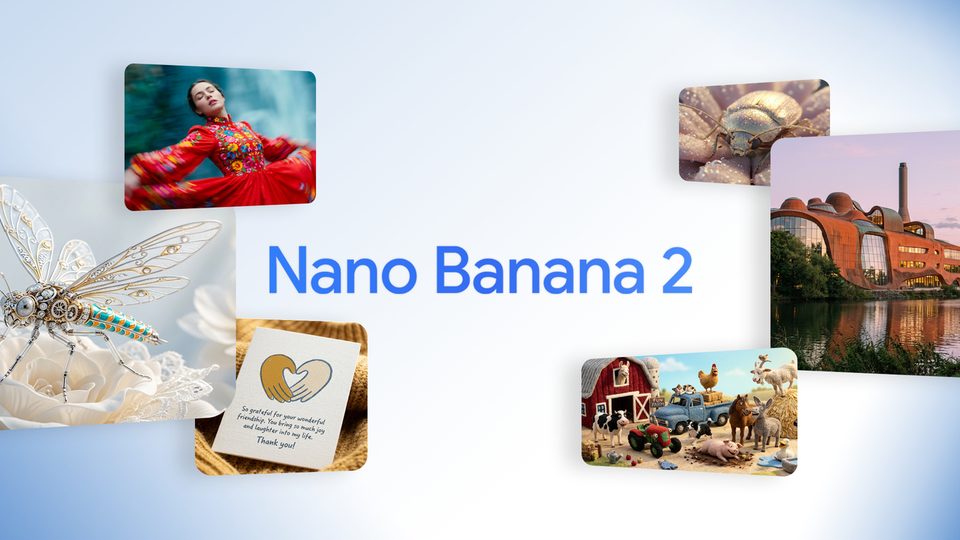
Nano Banana Pro is Google's most capable image model for complex scenes, infographics, posters and photo-realistic pictures. You can add up to 8 of your photos.
It works through every detail, so it takes a little longer — usually 2–3 minutes.