 Images
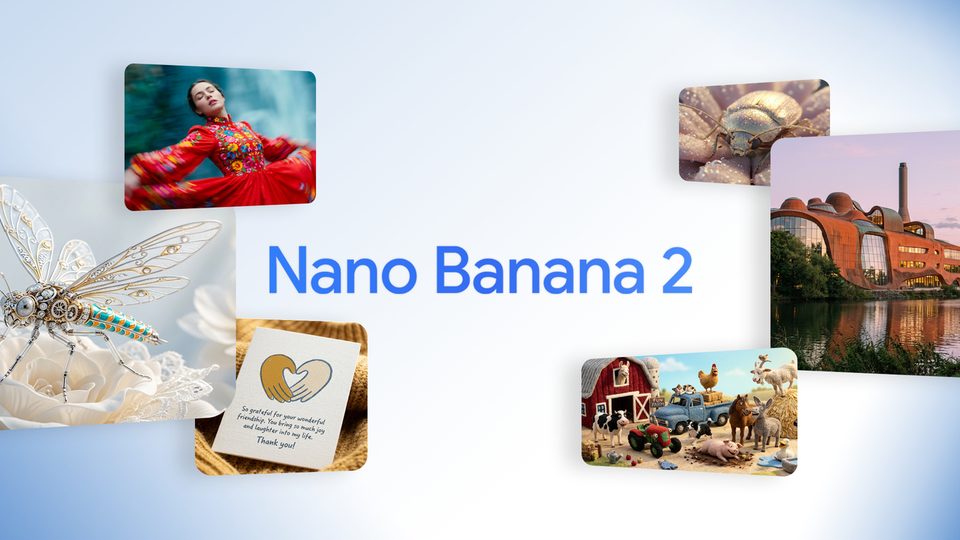
Nano Banana
A light and fast model for sketches, icons and illustrations. Great for trying an idea quickly.
Good for: quick sketches, icons, illustrations
How to get a better result
"Replace the background with a beach", "make it a watercolor".
The AI keeps everything else better: the face, the pose, the clothes.
Sharp, not blurry, so the person or object is clearly visible.
Pass this model in the request google/nano-banana-edit
1. Create a task POST /api/v1/jobs/createTask
curl -X POST https://mixmedia.tech/api/v1/jobs/createTask \
  -H "Authorization: Bearer YOUR_API_KEY" \
  -H "Content-Type: application/json" \
  -H "Idempotency-Key: order-123" \
  -d '{
  "model": "google/nano-banana-edit",
  "callBackUrl": "https://your-app.example/callback",
  "input": {
    "prompt": "Replace the background with a neon city at night",
    "image_urls": [
      "https://example.com/photo.jpg"
    ],
    "aspect_ratio": "auto",
    "resolution": "1K",
    "output_format": "png"
  }
}'import time, requests
API = "https://mixmedia.tech/api/v1"
HEADERS = {"Authorization": "Bearer YOUR_API_KEY"}
task = requests.post(f"{API}/jobs/createTask", headers=HEADERS, json={
"model": "google/nano-banana-edit",
"callBackUrl": "https://your-app.example/callback",
"input": {
"prompt": "Replace the background with a neon city at night",
"image_urls": [
"https://example.com/photo.jpg"
],
"aspect_ratio": "auto",
"resolution": "1K",
"output_format": "png"
}
}).json()
task_id = task["data"]["taskId"]
while True:
info = requests.get(f"{API}/jobs/recordInfo", headers=HEADERS, params={"taskId": task_id}).json()["data"]
if info["state"] in ("success", "fail"):
break
time.sleep(4)
print(info["state"], info.get("resultJson") or info.get("failMsg"))const API = "https://mixmedia.tech/api/v1";
const headers = { Authorization: "Bearer YOUR_API_KEY", "Content-Type": "application/json" };
const { data } = await fetch(`${API}/jobs/createTask`, {
method: "POST", headers,
body: JSON.stringify({
"model": "google/nano-banana-edit",
"callBackUrl": "https://your-app.example/callback",
"input": {
"prompt": "Replace the background with a neon city at night",
"image_urls": [
"https://example.com/photo.jpg"
],
"aspect_ratio": "auto",
"resolution": "1K",
"output_format": "png"
}
}),
}).then((r) => r.json());
let info;
do {
await new Promise((r) => setTimeout(r, 4000));
info = (await fetch(`${API}/jobs/recordInfo?taskId=${data.taskId}`, { headers }).then((r) => r.json())).data;
} while (!["success", "fail"].includes(info.state));
console.log(info.state, info.resultJson ?? info.failMsg);Response: data.taskId. callBackUrl and Idempotency-Key are optional.
2. Status and result GET /api/v1/jobs/recordInfo
curl "https://mixmedia.tech/api/v1/jobs/recordInfo?taskId=TASK_ID" \
-H "Authorization: Bearer YOUR_API_KEY"data.state: waiting, queuing, generating, success, fail. On success data.resultJson is a JSON string with resultUrls.
3. Upload a file POST /api/v1/files/upload
curl -X POST https://mixmedia.tech/api/v1/files/upload \
  -H "Authorization: Bearer YOUR_API_KEY" -F "file=@photo.jpg"
The response has data.url. Pass that URL in the file field. Any public https URL works too.
About the model
Photo editing by description: change the background, clothes or style, or combine several photos into one. Add from 1 to 10 photos.