Kling 3.0 Motion Control
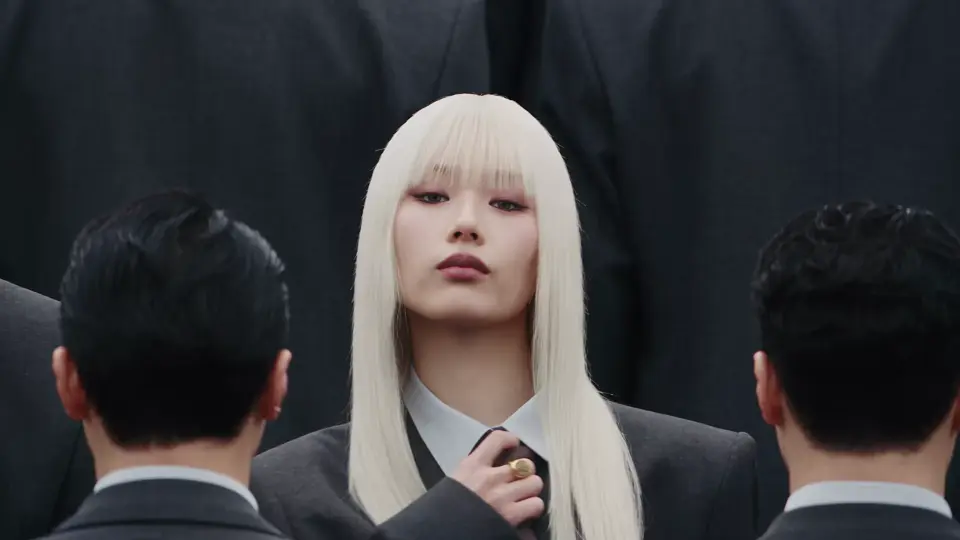
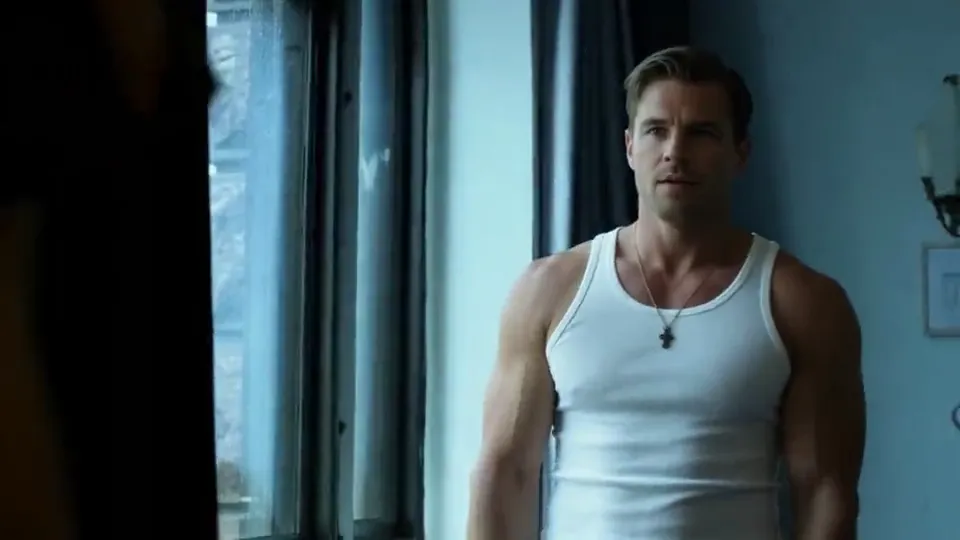
The character from your photo copies the motion, gestures and expressions from a video.
Good for: dances, trends, bringing characters to life
You pay per second of your video. The result is the same length: 3 to 30 seconds; longer clips are trimmed to 30.
For developers →How to get a better result
"Replace the background with a beach", "make it a watercolor".
The AI keeps everything else better: the face, the pose, the clothes.
Sharp, not blurry, so the person or object is clearly visible.
Pass this model in the request kling-3.0-motion-control
1. Create a task POST /api/v1/jobs/createTask
curl -X POST https://mixmedia.tech/api/v1/jobs/createTask \
  -H "Authorization: Bearer YOUR_API_KEY" \
  -H "Content-Type: application/json" \
  -H "Idempotency-Key: order-123" \
  -d '{
  "model": "kling-3.0-motion-control",
  "callBackUrl": "https://your-app.example/callback",
  "input": {
    "prompt": "The character from the photo repeats the dance from the video",
    "image_urls": [
      "https://example.com/photo.jpg"
    ],
    "character_orientation": "video",
    "resolution": "720p"
  }
}'import time, requests
API = "https://mixmedia.tech/api/v1"
HEADERS = {"Authorization": "Bearer YOUR_API_KEY"}
task = requests.post(f"{API}/jobs/createTask", headers=HEADERS, json={
"model": "kling-3.0-motion-control",
"callBackUrl": "https://your-app.example/callback",
"input": {
"prompt": "The character from the photo repeats the dance from the video",
"image_urls": [
"https://example.com/photo.jpg"
],
"character_orientation": "video",
"resolution": "720p"
}
}).json()
task_id = task["data"]["taskId"]
while True:
info = requests.get(f"{API}/jobs/recordInfo", headers=HEADERS, params={"taskId": task_id}).json()["data"]
if info["state"] in ("success", "fail"):
break
time.sleep(4)
print(info["state"], info.get("resultJson") or info.get("failMsg"))const API = "https://mixmedia.tech/api/v1";
const headers = { Authorization: "Bearer YOUR_API_KEY", "Content-Type": "application/json" };
const { data } = await fetch(`${API}/jobs/createTask`, {
method: "POST", headers,
body: JSON.stringify({
"model": "kling-3.0-motion-control",
"callBackUrl": "https://your-app.example/callback",
"input": {
"prompt": "The character from the photo repeats the dance from the video",
"image_urls": [
"https://example.com/photo.jpg"
],
"character_orientation": "video",
"resolution": "720p"
}
}),
}).then((r) => r.json());
let info;
do {
await new Promise((r) => setTimeout(r, 4000));
info = (await fetch(`${API}/jobs/recordInfo?taskId=${data.taskId}`, { headers }).then((r) => r.json())).data;
} while (!["success", "fail"].includes(info.state));
console.log(info.state, info.resultJson ?? info.failMsg);Response: data.taskId. callBackUrl and Idempotency-Key are optional.
2. Status and result GET /api/v1/jobs/recordInfo
curl "https://mixmedia.tech/api/v1/jobs/recordInfo?taskId=TASK_ID" \
-H "Authorization: Bearer YOUR_API_KEY"data.state: waiting, queuing, generating, success, fail. On success data.resultJson is a JSON string with resultUrls.
3. Upload a file POST /api/v1/files/upload
curl -X POST https://mixmedia.tech/api/v1/files/upload \
  -H "Authorization: Bearer YOUR_API_KEY" -F "file=@photo.jpg"
The response has data.url. Pass that URL in the file field. Any public https URL works too.
About the model
Kling 3.0 Motion Control takes one character photo and a motion video and brings the character to life: it repeats the motion, gestures and expressions from the clip.
Orientation «Like the video» — pose and turns as in the clip, video 3–30 seconds. «Like the photo» — the character keeps the angle from the photo, video 3–10 seconds. Longer is trimmed. The clip's sound can be kept. Quality Standard (720p) or Pro (1080p). You pay per second of your video.